

In the world of online business and traffic arbitrage, time is money. Traditional bank transfers can be slow and costly, causing delays that interrupt your workflow. That’s why many professionals are switching to Web3 payments. Payniq offers a convenient and fast solution—funding your balance directly through the USDT stablecoin. This isn’t just an alternative; it’s a smart move toward optimizing your financial operations.
Why should a media buyer use web3 payments?
Let’s compare how traditional payments work versus Payniq’s streamlined Web3 approach:
| Traditional route | Web3 with Payniq |
|
SWIFT transfer: 1–3 days, $15–50 fee |
USDT transaction: 1–2 minutes, $0.20–$1 fee |
|
Currency conversion losses: 1–2% |
0% conversion — funds arrive in the target currency immediately |
|
Risk of bank rejection or compliance checks |
Decentralized transfer, confirmed by blockchain network nodes |
|
Time for response depends on the bank, the bank's working hours dependency |
Fast response to your request, available on working days |
Stablecoins are cryptocurrencies pegged to fiat value (usually $1). USDT (Tether) remains the most liquid option, with a daily trading volume exceeding $80 billion and a stable price range of $0.999–$1.001. By topping up Payniq directly via USDT, your agency gains instant access to its budget—without intermediaries or banking delays.
Which stablecoin to choose?
|
Coin |
Peg |
Default network |
Fee |
Pros / Cons |
|
USDT |
USD |
TRC-20 (Tron) |
~$0.8 |
Highest liquidity, low transaction fee — ideal for fast and frequent payments |
Important! Payniq supports only USDT (TRC-20).
TRC-20 is what enables those ultra-low network fees (just a few cents!) and high transaction speed that make
Web3 top-ups so attractive. That’s why we’ve chosen this network—for your convenience and maximum efficiency.
Preparing to top up: what you need to know
To fund your Payniq account via USDT (TRC-20), you’ll need just a few simple things:
-
A crypto wallet that supports the TRC-20 network
Popular options include Ledger Live, Trust Wallet, MetaMask (+ Binance Smart Chain), TronLink Wallet, and others. -
A low-fee blockchain network
For USDT, TRC-20 (on the Tron blockchain) is optimal due to its extremely low network fees—much cheaper than alternatives like ERC-20. -
Your Payniq deposit address
Getting it is easy:
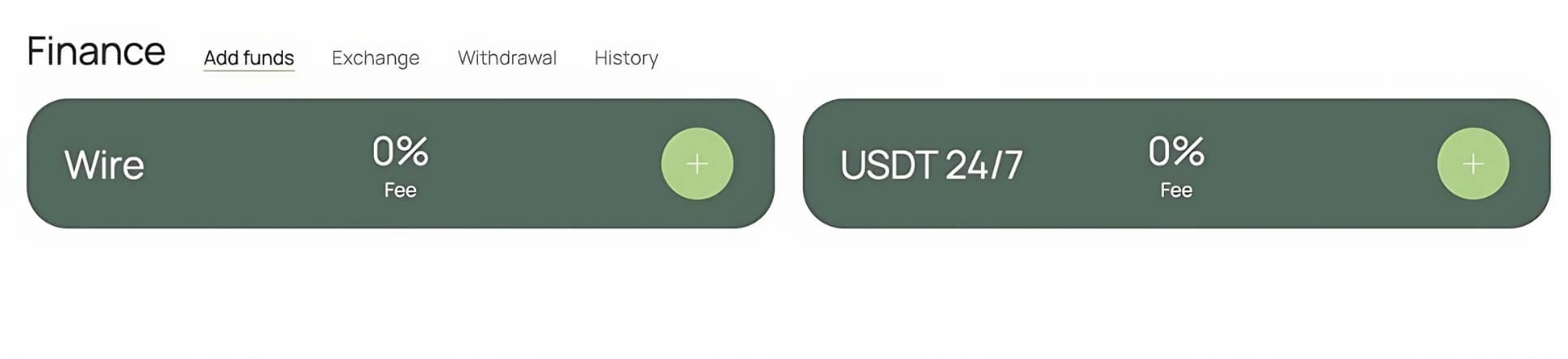
Go to your Payniq dashboard → select “Top Up” → choose “USDT (TRC-20)”.
The system will generate a unique deposit address for your account (starts with T9xxxx...). Always double-check the address before sending!
Step-by-step guide: funding your Payniq account via USDT (TRC-20)
| Step | Action | Time |
|
1 |
Go to your Payniq Dashboard → Balance ► Top Up |
30 sec |
|
2 |
Select “USDT (TRC-20)” → the system will generate a deposit address (T9xxxx...) |
- |
|
3 |
In your crypto wallet, tap Send → paste your Payniq deposit address |
1 min |
|
4 |
Enter the amount (e.g., 5,000 USDT) → confirm the transaction |
15 sec |
|
5 |
Sign (if using a hardware wallet) → wait for 1 confirmation on the Tron network |
~1 min |
|
6 |
Your Payniq balance updates automatically → status changes to “Completed” |
- |
FAQ
Can I send USDT from Binance?
Yes, absolutely! It’s one of the most convenient options. Just be sure to select the TRC-20 network when
sending. Binance charges a 1 USDT network fee.
What happens if I send ERC-20 to a TRC-20
address?
Unfortunately, the funds will not arrive—your transaction will be stuck. Payniq is not responsible in this case,
as this is a technical limitation of blockchain networks. Always double-check the selected network before
sending!
Are there any limits?
There are no upper limits on top-ups. The minimum top-up amount ranges from 100 to 200 USDT, depending on
whether it's your first deposit.
How do I convert USDT to a USD/EUR wallet?
You fund your Payniq wallet in USDT with a 0% top-up fee. If you need a card in USD or EUR, simply use the
internal Payniq Exchange: Go to Payniq → Exchange → USDT ➜ USD or EUR. At that point, a conversion fee (or
spread) of approximately 1.5% is applied. In other words, you're paying for the currency exchange itself, not
for topping up your balance.
Why switch to funding via stablecoins?
- Cut payment fees by 10–15% thanks to TRC-20’s ultra-low transaction costs and no banking spreads.
- Speed up cash flow: funds appear in your balance in 1–2 minutes, not 24+ hours via SWIFT.
- Maintain full transparency: every deposit is on-chain and reports are available in 1 click for your finance team via Payniq's dashboard.
- 24/7 availability: Crypto transfers work round-the-clock, even on weekends and holidays. Top up your balance whenever your business needs, not when the bank is open.
Instead of wasting time on delays and hidden banking fees, you free up your focus for what really matters is growth and efficiency in your operations.